Questions about Multi PDF Converter
Is Multi PDF Converter free?
It's free to try: download it and run your first conversions, no sign-up needed. To keep converting after that, buy a licence on the pricing page.
Can I batch convert multiple PDFs to JPG at once?
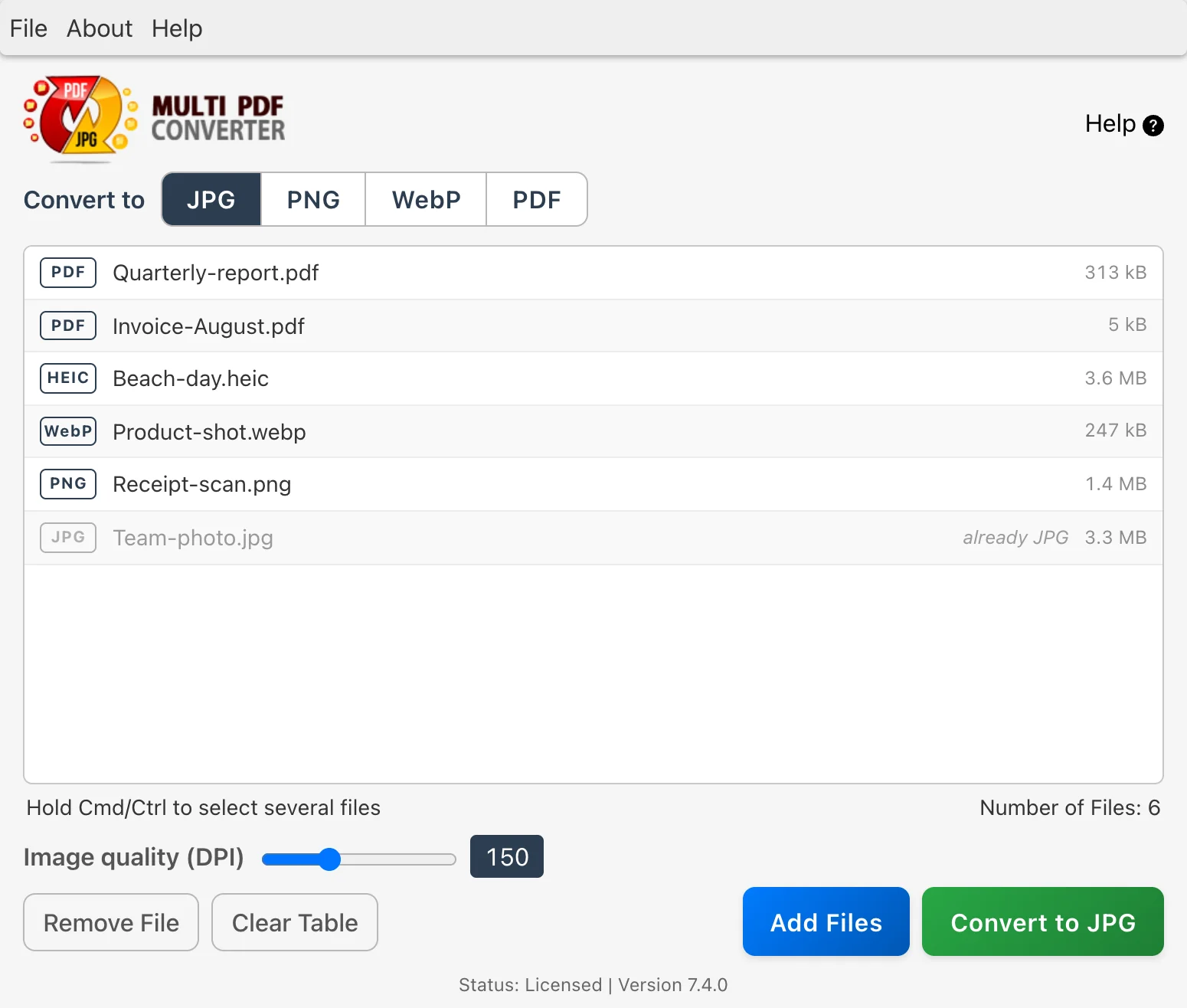
Yes. Multi PDF Converter is a batch PDF to JPG converter: drag in multiple PDFs, or a whole folder, and every page of every file becomes a JPG in one job. The same works for PNG and WebP. JPG and JPEG are the same format, and the app writes standard .jpg files.
Can Multi PDF Converter convert HEIC to JPG on Windows?
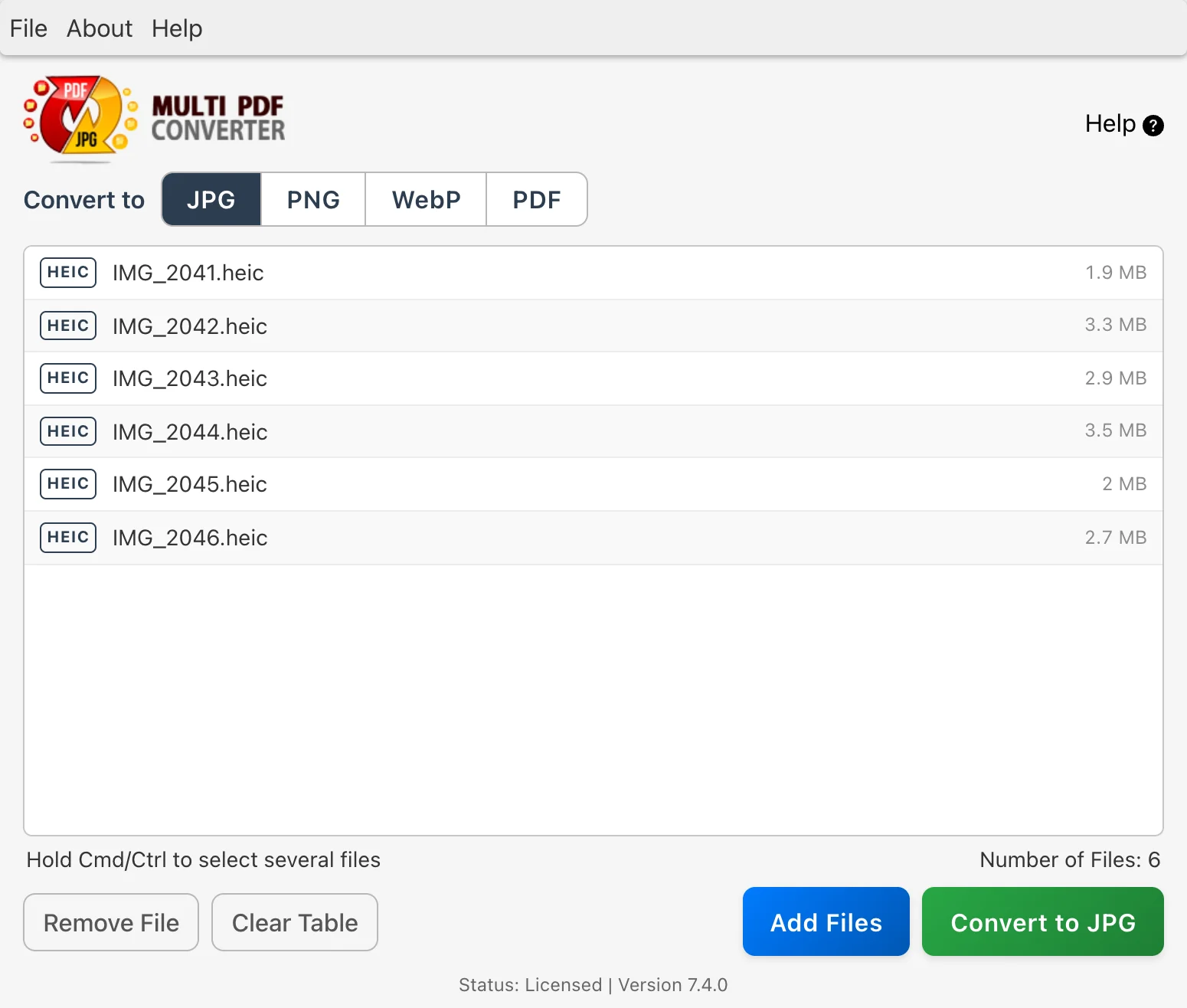
Yes. It reads iPhone HEIC (and HEIF) photos itself, so you don't need to install Microsoft's HEIF extension or upload your photos anywhere. Convert one photo or a whole folder to JPG, PNG, WebP or PDF.
Does it convert WebP to JPG and PNG?
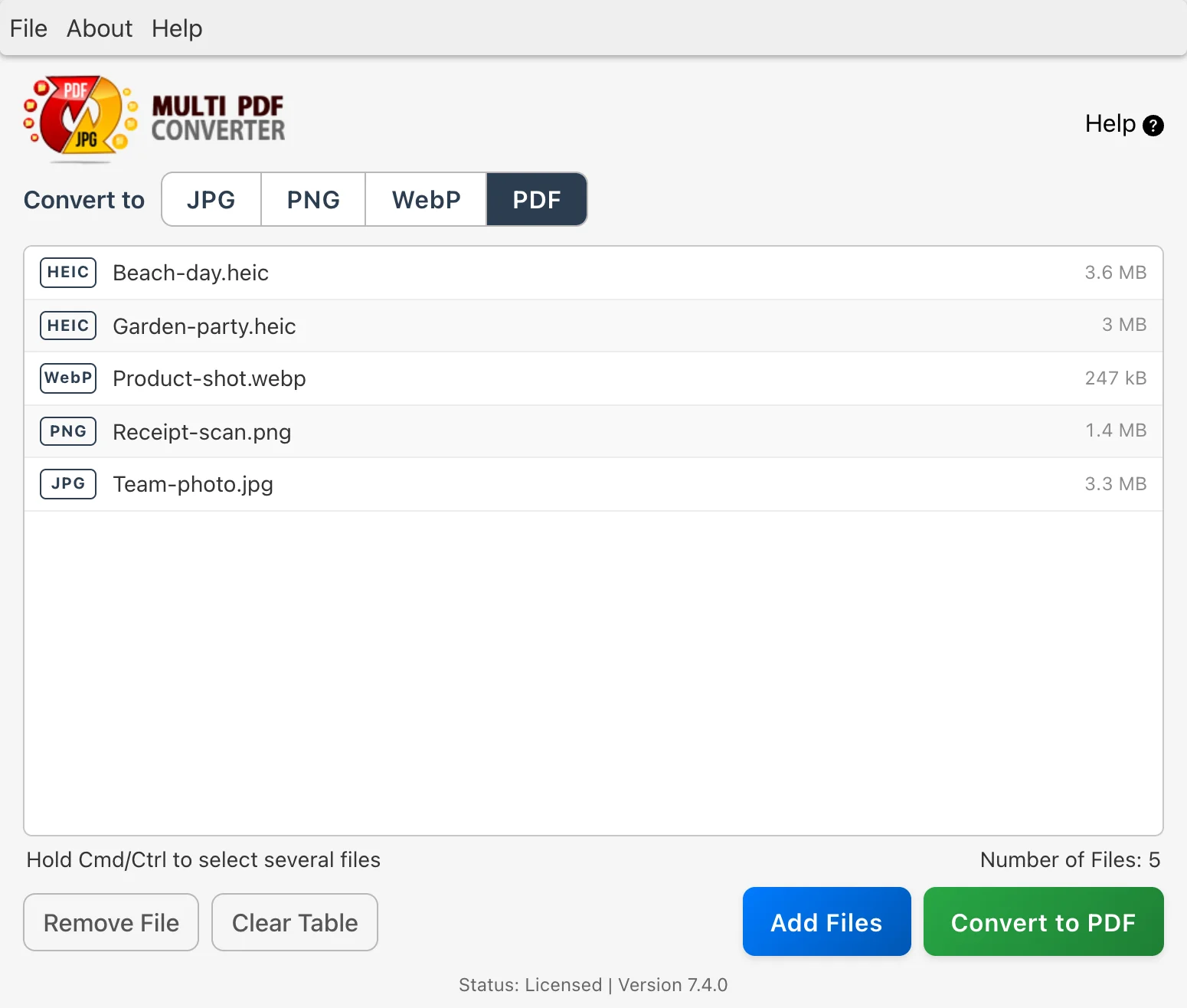
Yes, WebP images convert to JPG, PNG or PDF, and JPG or PNG images convert to WebP. Any of the image formats converts to any other.
Can I convert a PDF to WebP?
Yes. Pick WebP as the output and every page of the PDF becomes a WebP image. You choose the resolution (DPI), as you do for JPG and PNG.
Why use a desktop converter instead of an online one?
Free online PDF to JPG tools often limit you to a few files or about 20–25 MB a day, and every file has to be uploaded before any work starts. Multi PDF Converter works on your own computer, so a folder of dozens of PDFs converts in seconds, and confidential files such as financial statements, scanned IDs, medical records and signed contracts never reach a third-party server.
Are my files uploaded anywhere?
No. Multi PDF Converter converts everything on your own computer, so photos and documents never leave it.
Can it combine several images into one PDF?
Each image becomes its own PDF. To join the PDFs into one file, open them in Batch PDF Merger, put them in the order you want and merge them.
What happens to files that are already in the format I pick?
They are greyed out in the list and skipped, so a folder with a mix of JPG and HEIC photos converts only the HEIC ones to JPG.
Which Mac and Windows versions does it run on?
macOS 13 Ventura or later, on Apple silicon and Intel Macs, and Windows 10 or 11 (64-bit).
Can it convert PDF to Word?
No. Multi PDF Converter works between PDF and images (JPG, PNG, WebP). For PDF to Word, start with our PDF to Word guides, which explain why converted documents come back with text you cannot edit and what to do about it.
 PDF ⇄ JPG, PNG and WebP, plus iPhone HEIC
 Whole folders in one run, on Mac and Windows
 Free to try, no sign-up