For iPhone and iPad
Shrinkiva
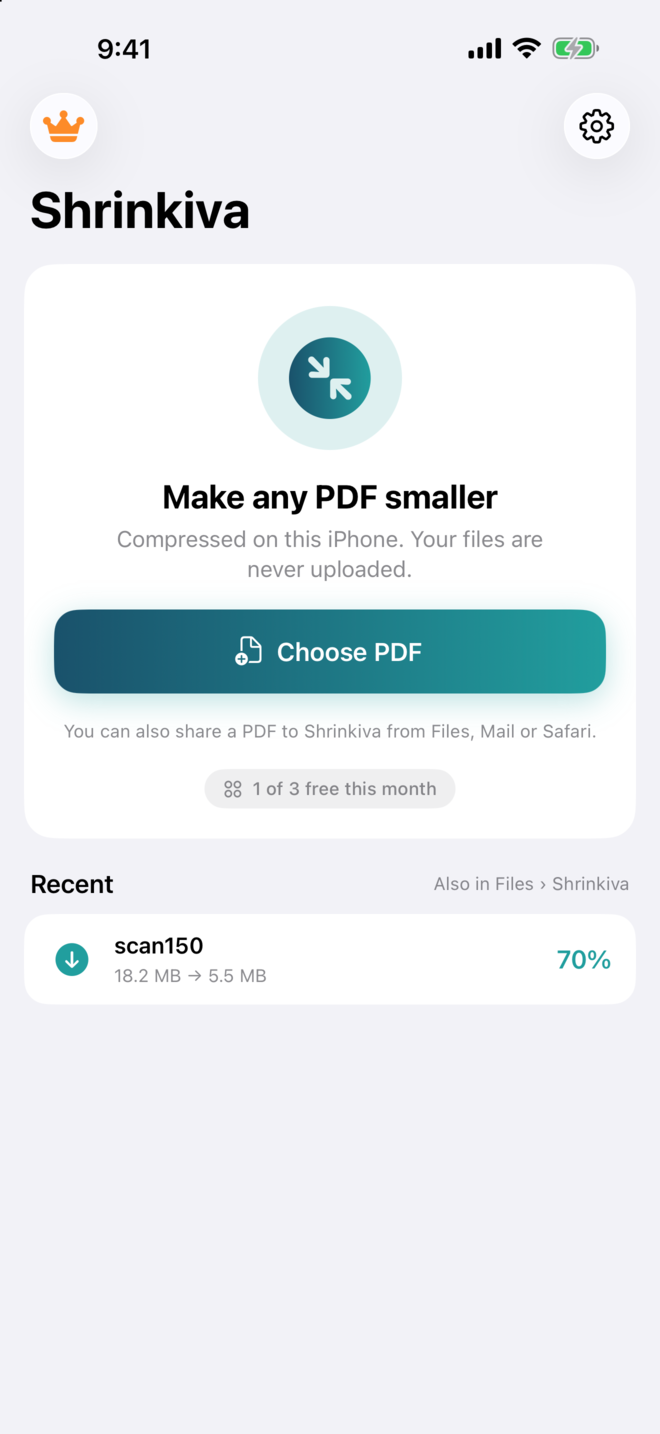
Make any PDF smaller. Nothing leaves your phone.
18.2 MB→5.4 MB
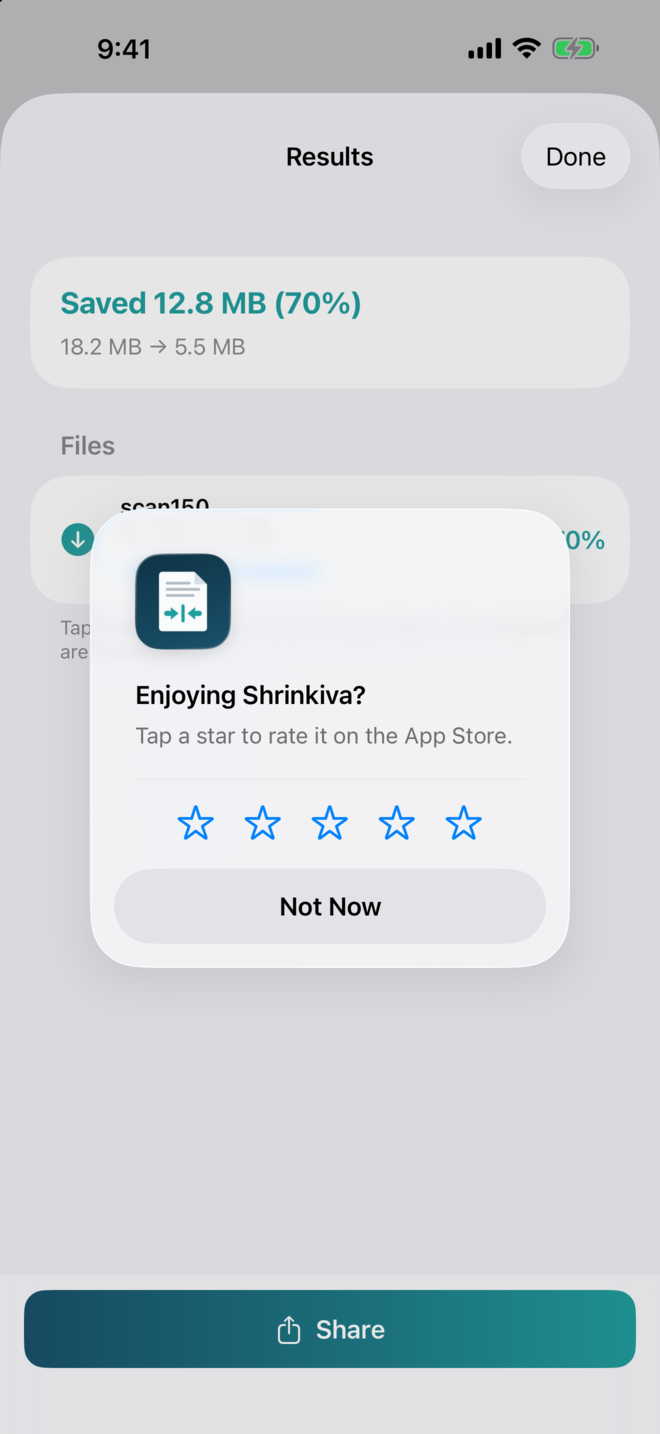
A 10-page office scan on the Balanced preset. Same pages, 70% smaller.

For iPhone and iPad
Make any PDF smaller. Nothing leaves your phone.
A 10-page office scan on the Balanced preset. Same pages, 70% smaller.
Compressors love big percentages. These are the numbers from real files on the same iPhone build you would download, with what happened to the text in each one.
| File | Before → after | Preset | Text |
|---|---|---|---|
| 10-page office scan, 300 dpi | 18.2 → 5.4 MB | Balanced | no text layer; pages re-rendered |
| Same scan | 18.2 → 1.9 MB | Smallest file | — |
| 16-page paper with 7 photos | 3.6 → 2.1 MB | any | all text kept |
| 18-page report with 3 photos | 785 → 685 KB | any | all text kept |
| Text-only document | 51 KB → kept | any | already as small as it gets |
From the app's own test run on 20 October 2026. A file is never made bigger: if nothing can be gained you keep the original, and that file doesn't count against the free allowance.
From Files or iCloud Drive, several at once — or share a PDF to Shrinkiva straight from Mail, Safari or the Files app.
Smallest file for email and uploads, Balanced for reading on any screen, Best quality to stay close to the original. Optionally resize every page to A4, Letter, Legal, A3, Tabloid or a custom size.
See the before and after size for every file. The compressed copy lands in Files › Shrinkiva, ready to send; your original is untouched.
Pages with real text are never turned into pictures. Only scanned pages, which already are pictures, get re-rendered at the quality you chose. The result sheet tells you which happened.
A copier or scanner app writes 300-dpi pages nobody will ever print. At 150 dpi they read the same on a screen and weigh a quarter as much; at 100 dpi, a tenth.
Resize pages for a portal that insists on one size, with Fit, Fill or Stretch. Landscape pages get a landscape page. Custom sizes in millimetres or inches.
The app works offline and its App Store privacy label is Data Not Collected. Contracts, medical records and scans of your passport never leave the device — there is nowhere for them to go.
No. The file is read, compressed and saved on your iPhone or iPad. The app has no server, no account and no analytics, and it works offline. Its App Store privacy label is Data Not Collected.
Yes. Pages that contain real text keep that text. Only scanned pages, which are pictures of a page, are re-rendered at the quality you choose.
It depends on what is in it: see the measured table above. Scans shrink the most; documents with photos shrink some; a file that is already as small as it gets is kept as it is, and the app never makes a file bigger.
Yes — A4, Letter, Legal, A3, Tabloid or a custom size in mm or inches, with Fit, Fill or Stretch. Landscape pages get a landscape page. Resizing pages that contain text re-draws them, which can make a small file larger.
Shrinkiva asks for the password once, on your device, and saves the compressed copy without it. The original is never modified.
To Files › On My iPhone › Shrinkiva, and to the Recent list in the app, where a tap shares the file or saves it somewhere else.
No. Three files a month are free. The Full Version is one purchase that unlocks unlimited files on all your devices, and nothing renews.
Three files free every month. Want unlimited? One payment, once, yours forever on every device you sign into.
Scanning paper in the first place? Scaniva turns documents into PDFs on your iPhone, pay once as well. On a Mac or PC with hundreds of files, the desktop apps do the batch work.