Merge PDF Files
Hundreds of PDF files merged into one in seconds. Your files never leave your computer.
- Free to try, no sign-up
- Split, reorder, compress & renumber while you merge
If Safari asks to allow downloads on essexsoftware.com, click Allow.
Batch PDF Merger is a desktop app for Mac and Windows. Open this page on your computer to download it.
 Trusted since 2004Essex Software
 A+ ratingBetter Business Bureau
 Notarized by Applethe Mac app is checked by Apple
- Signed installerpublisher verified by Microsoft
 10 languagesin the app
 Nothing uploadedfiles stay on your computer
Combine, concatenate & assemble PDFs in bulk
 DropPDFs or whole folders
 Orderdrag them into place
 Mergeone PDF, in seconds
Batch PDF merge — process hundreds of files at once
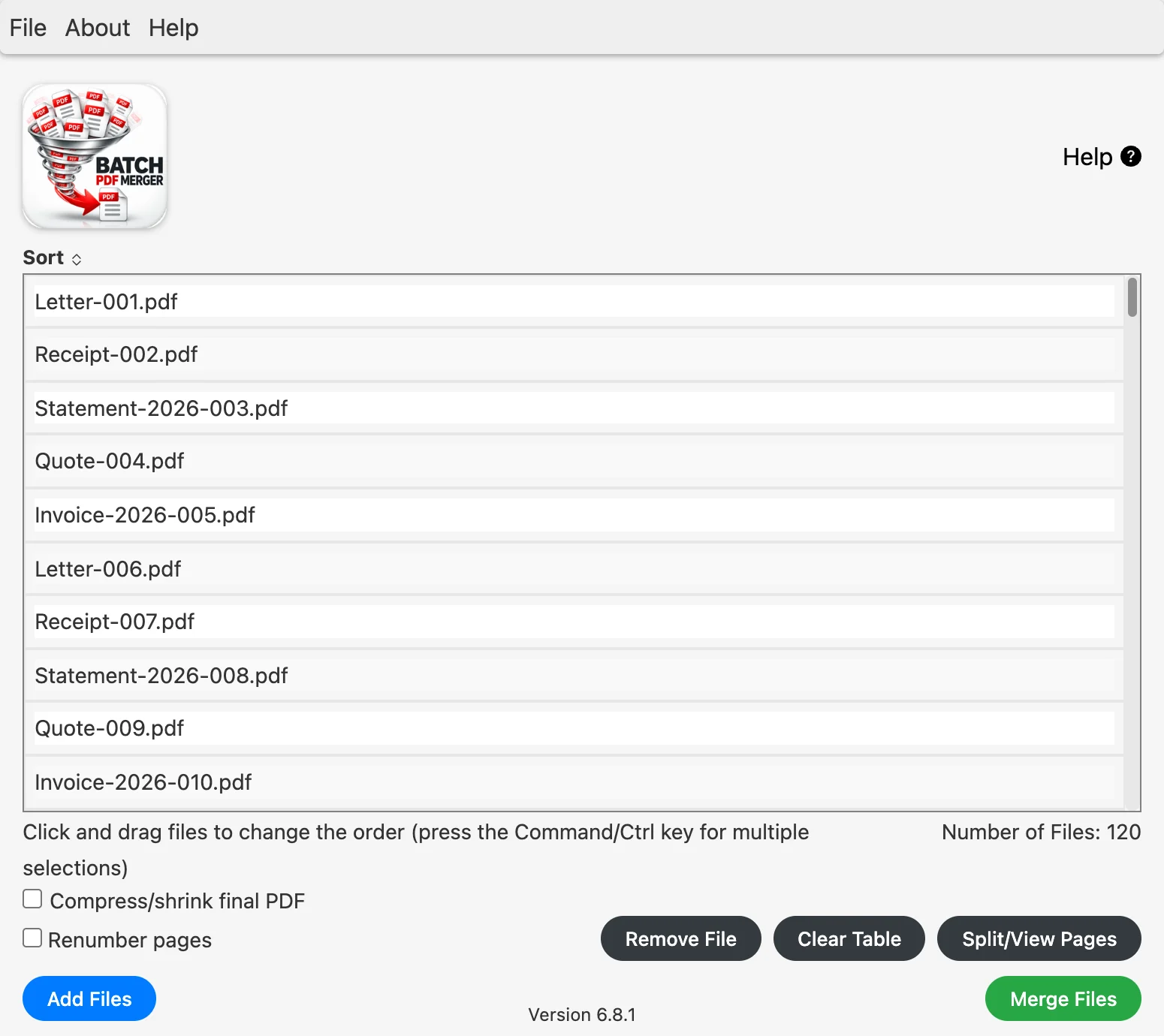
Drag in a folder of PDF files, put them in the order you want and click Merge Files. Every file is added end to end into one new PDF, and your originals are left as they were.
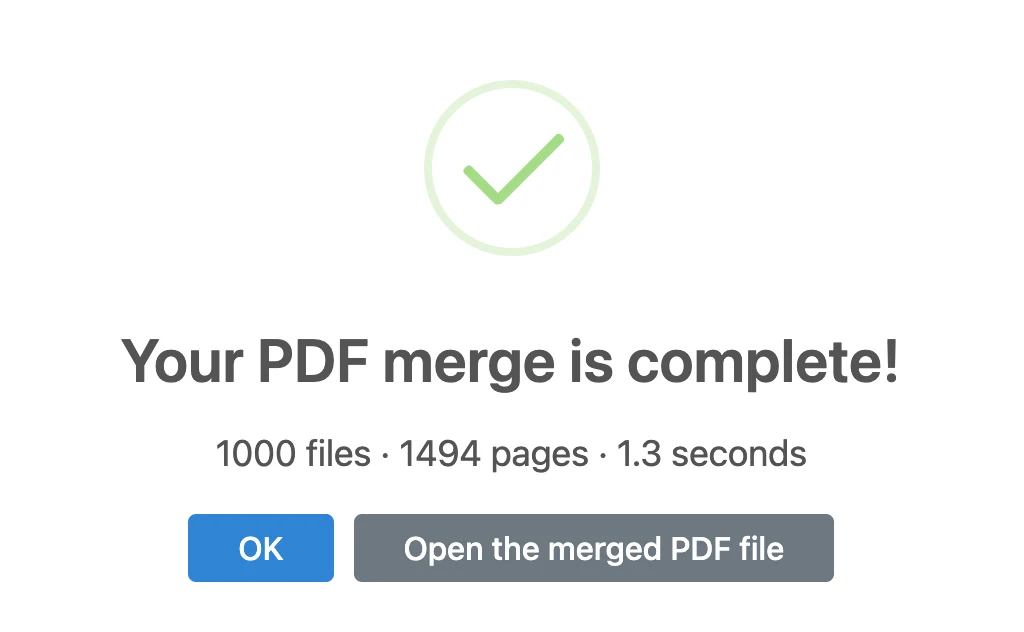
500 PDFs (746 pages) merged into one in 0.7 seconds*
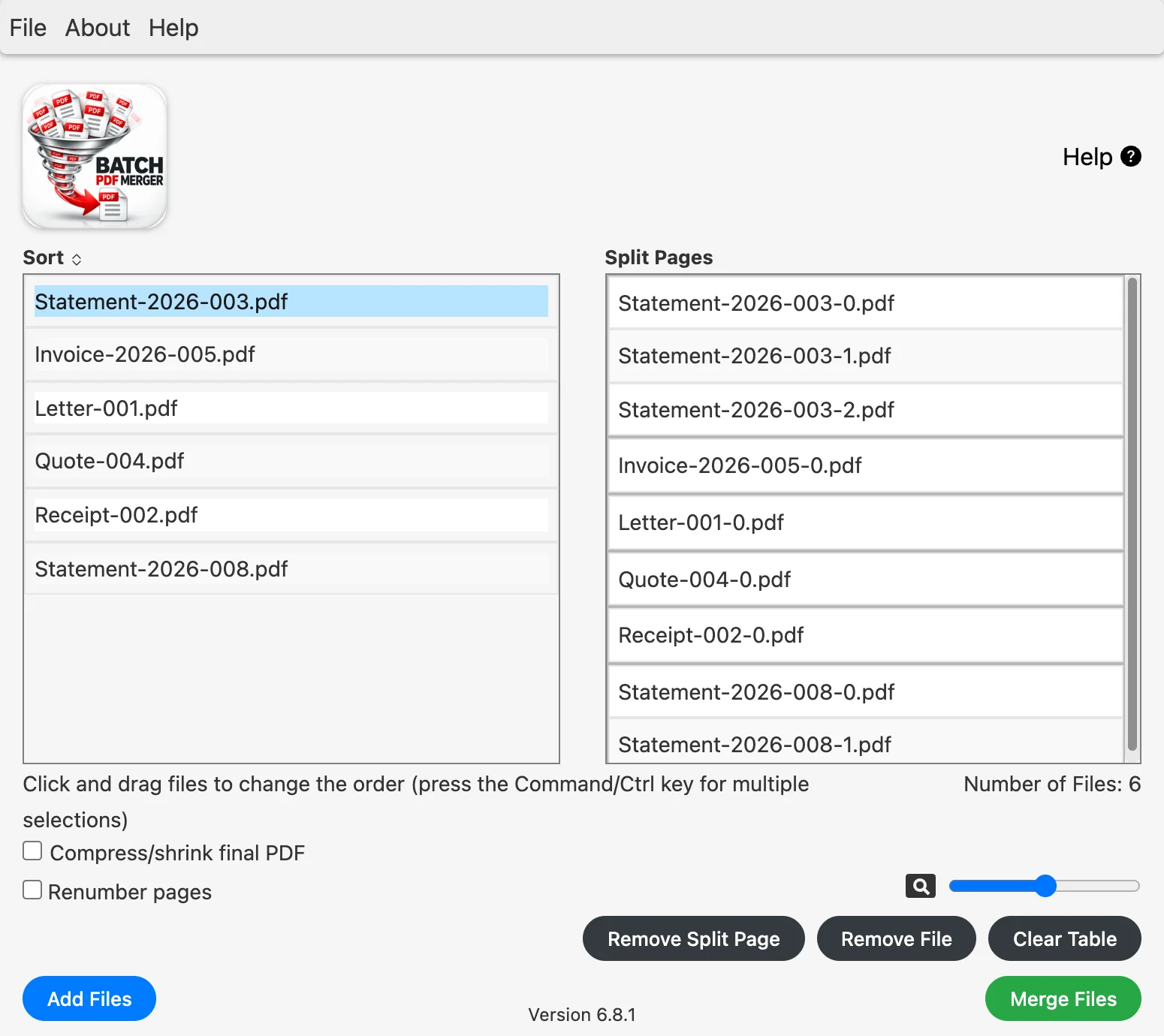
Split, reorder and remove PDF pages
Click Split/View Pages and every page of every file is listed on its own. Drag pages into a new order or remove the ones you don’t need, then merge.
Compress large PDF files
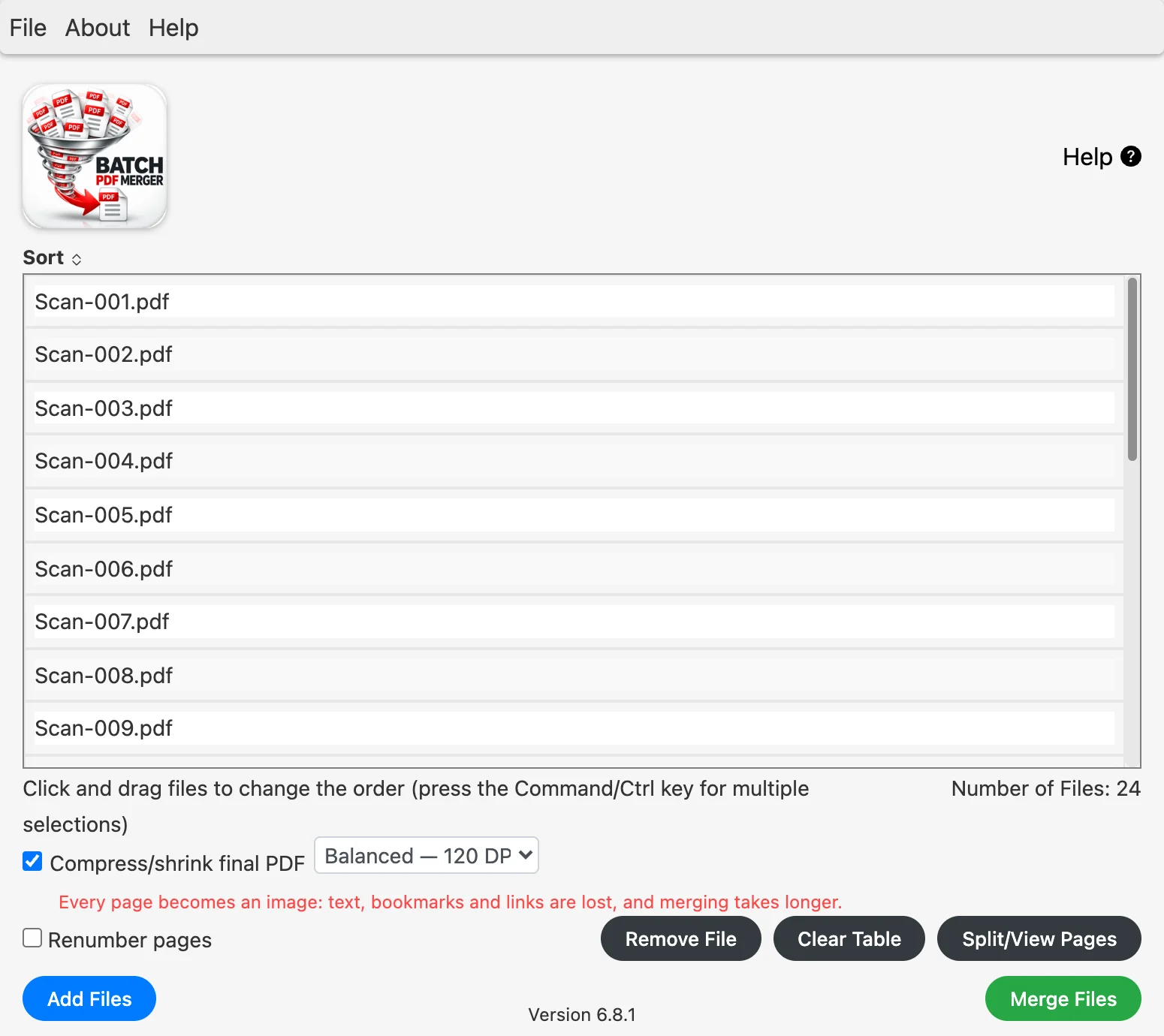
Tick Compress/shrink final PDF and pick a level. Lossless keeps the text as it is; High quality, Balanced and Maximum turn heavy scanned pages into lighter images.
24 scans merged and compressed from 24.45 MB to 6.19 MB, 75% smaller, in 6.0 seconds*
Renumber your PDF pages
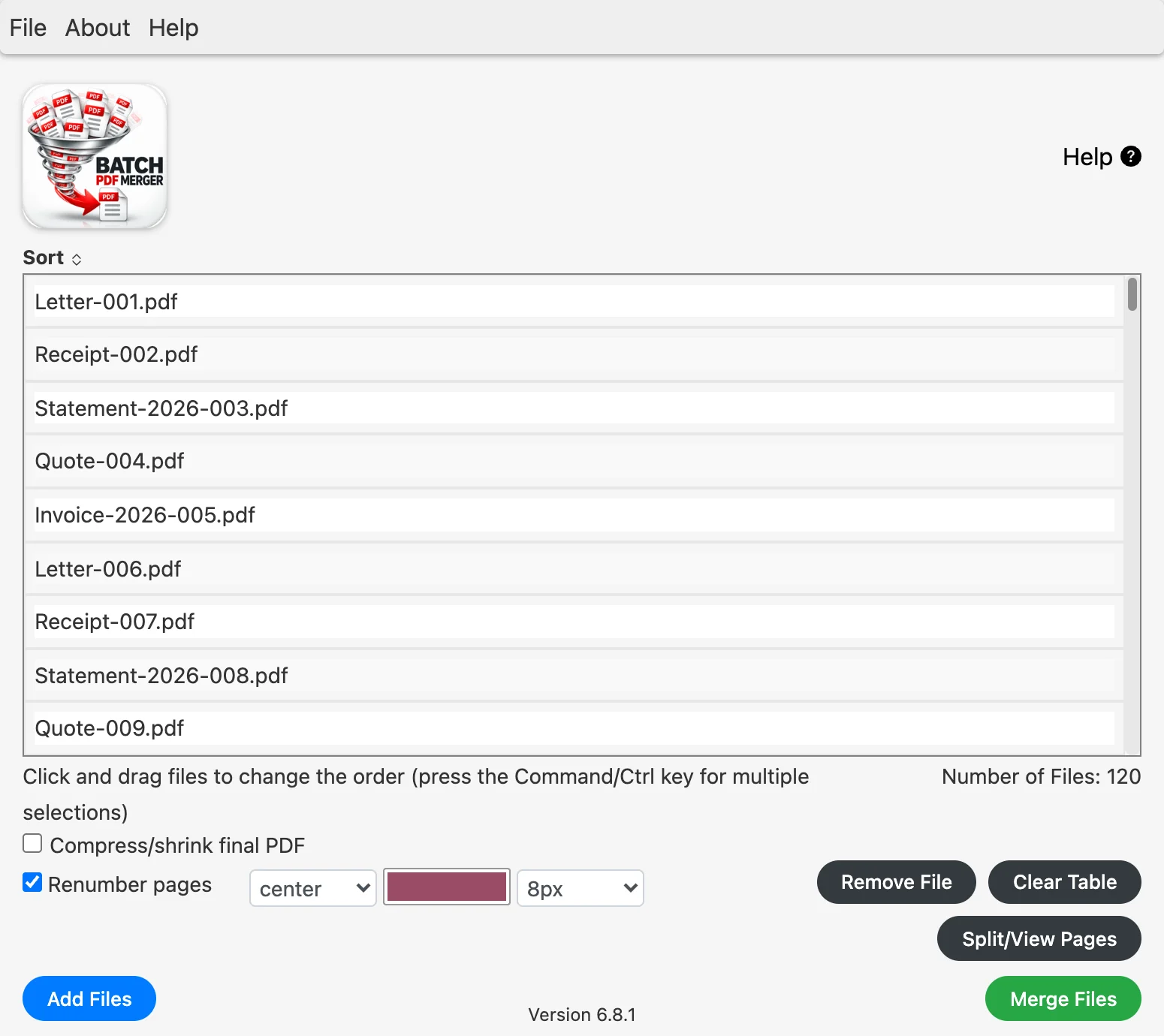
After several PDFs are merged, it’s convenient to have the pages numbered from the first to the last. Tick Renumber pages and choose where the numbers go, their colour and their size.
120 PDFs (171 pages) merged and numbered in 0.4 seconds*
* Measured with Batch PDF Merger 6.8.1 on a MacBook Air (M1), with everyday office PDFs of 1–3 pages and scanned documents, on 2 October 2026. Your times depend on your files and your computer.
If Safari asks to allow downloads on essexsoftware.com, click Allow.
Batch PDF Merger is a desktop app for Mac and Windows. Open this page on your computer to download it.
Your files never leave your computer
- Nothing is uploadedMerging runs on your own computer, so there’s no waiting for uploads.
 Made for confidential filesContracts, statements and signed documents stay on your desk.
- See what the app sendsOur trust page lists every connection the app makes.
What Batch PDF Merger customers say




Merging 34 large PDF files in only 6 seconds? I must have died and gone to PDF merging heaven! Awesome product.
Ingrid Dirschl, Mortgage Banker at Citibank
With Batch PDF Merger, I can combine multiple PDF reports into a single document allowing them to be transmitted to a commercial printer. What a great time and cost saver.
Dr. Kevin Leahy, Archaeologist, Univ. of Leicester
My legal team cannot have confidential PDFs floating around on the internet. Batch PDF Merger takes care of my PDF merges on the desktop
Edith A, Risk Technology Solutions
Questions about Batch PDF Merger
Can I batch merge PDF files?
Yes. The "batch" in Batch PDF Merger is literal: a typical job merges hundreds of PDFs in a single pass. Drag the folder in, set the order, click Merge Files, and the app adds each file end to end and writes one combined PDF. It is the same for a bulk PDF merge of 1,000 files as for merging two, and your originals are left untouched.
Can I combine, concatenate and assemble PDFs in bulk?
Whether you call it combining, concatenating, assembling, joining, or bulk merging PDFs — the workflow is the same: pick the files, set the order, get one output document. Batch PDF Merger handles every variant of the task in a single drag-and-drop session:
- Batch combine PDF files — concatenate dozens of contracts, statements, or scanned pages into one document.
- Batch assemble PDF — build a single packet from a cover sheet, body document, exhibits, and signed pages.
- Bulk merge PDF — process an entire folder of PDFs in one job; no per-file clicking.
- Batch compile PDF — combine reports, chapters, or invoices in a defined order and save once.
Can I rearrange or remove pages while I merge?
Yes. Click Split/View Pages and every page of every file is listed on its own; drag pages into a new order or remove the ones you don't need, then merge. See how to rearrange PDF pages.
Can it split or demerge a PDF into separate files?
Batch PDF Merger splits files into pages so you can arrange them, and always saves one merged PDF. To split a PDF into separate files, use our free Multi PDF Splitter.
How much smaller can it make a PDF?
It depends on what is in the file. Lossless keeps the text as it is and trims what it can. For scanned documents, High quality (180 DPI), Balanced (120 DPI) and Maximum (75 DPI, grey) store each page as a lighter image: in our test, 24 scanned documents went from 24.45 MB to 6.19 MB on Balanced, 75% smaller. Pages stored as images have no selectable text, bookmarks or links, and the app tells you so.
Are my files uploaded anywhere?
No. Batch PDF Merger merges everything on your own computer, so confidential documents never reach a third-party server. Our trust page lists every connection the app makes.
Can it merge Word, Excel or image files?
No. Batch PDF Merger works with PDF files only. To turn photos and scans into PDFs first, use Multi PDF Converter; to merge Excel, CSV or text files, use Bulk File Merger.
Which Mac and Windows versions does it run on?
macOS 13 Ventura or later, on Apple silicon and Intel Macs, and Windows 10 or 11.
Got hundreds of PDFs? Merge them into one PDF in seconds.
No uploading. No waiting on cloud services. Your files stay on your computer.
If Safari asks to allow downloads on essexsoftware.com, click Allow.
Batch PDF Merger is a desktop app for Mac and Windows. Open this page on your computer to download it.